There’s one thing that has always irked me the most about owning an iPhone: when I want to play music, it’s just too darn quiet.
(That and the fact that my Touch ID login never seems to work, convincing me that I am either a) a cyborg; or b) the worst Millennial to ever exist.)
Over the years, I’ve witnessed the attempts (and failures) of my friends and family to get their BeyoncéLemonadealbum to play just that little bit louder so they can hear it over the sound of washing the dishes.
Alas, my friends, it seems an answer has finally been bestowed upon us.
Twitter user “TheBae” has revealed just one simple settings change can take your iPhone’s music playing ability from a whisper to shout.
How to make your iPhone Speaker louder. (Play Music while you’re doing it) Thank meh later pic.twitter.com/ZyQZMExhev
— TheBae (@thebaemarcus) August 7, 2017
All you need to do is head to the ‘music’ tab in settings, hit ‘playback’ under the EQ tab and change the option to ‘late night’.
It’s…it’s really that simple.

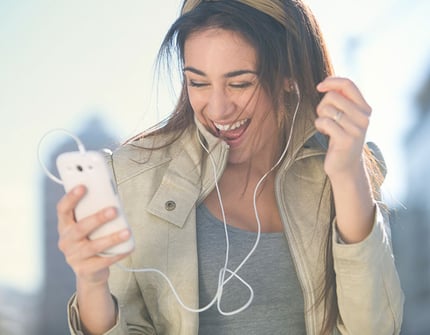
This could be you. Image via Getty.
To best hear the difference, play your favourite song while you change the settings. Toggling between 'off' and 'late night' will help you notice the difference.
Understandably, people werepretty excitedabout not having to use weird, handmade contraptions (sticking your phone in a glass bowl, anyone?) anymore.
You are amazing . I just want to hug you
— Amaia Wall ????????♀️ (@that_kid_amaia) August 7, 2017
Turned it on.. thanks pic.twitter.com/IhIQJlELpU
— IG: Marcel.Dutch (@TheMarcelDutch) August 7, 2017
I'm shooketh this is the best thing that has happend to me all summer pic.twitter.com/751jlSID0n
— A$hleigh♛• (@urfavashh) August 7, 2017
So, sit back and enjoy the sweet, sweet sounds of louder tunes.
LISTEN: Mamamia Out Loud's Monz has a genius productivity tip, but her bosses aren't having a bar of it.
Author
No Comments
Be the first to leave a comment